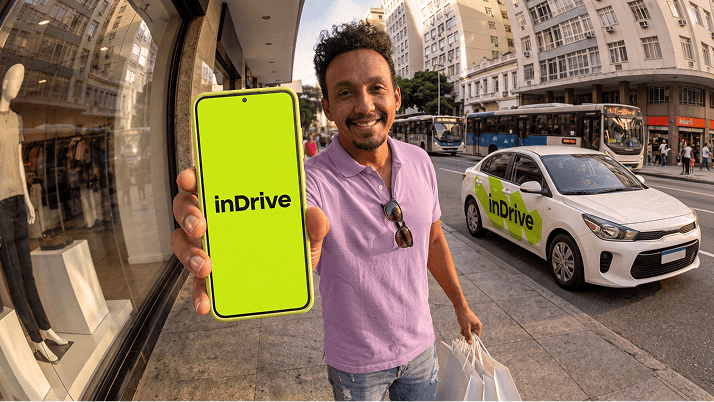
Interested in earning by driving with inDrive?
You choose when, where and how much you want to work. You decide which passengers to accept, and agree on a fare. So, for all drivers who are new to our app, here’s a step-by-step guide on how to use it.
How to get the app
Step 1: Download the app
You can download the inDrive app from Google’s Play Store or Apple’s App Store.
Step 2: Verify your phone number
Enter your phone number. Then enter the verification code sent to your phone.
Step 3: Confirm your city
Step 4: Enter your name
Step 5: Upload your photo
How to register as a driver
Step 1: Switch to driver mode
Tap on the side menu on the top-left of the screen and select “Switch to driver”.
Step 2: Start the registration process
Once you’re in driver mode, tap on the side menu again and select “Online registration” and then “start registration”.
Step 3: Follow the registration prompts
You’ll need to provide:
- Your car’s make, model and color, and licence-plate number.
- Your name, surname, gender, date of birth.
- A clear photo of yourself.
- A photo of your car, its certificate of registration, and your driving licence.
Step 4: Wait for your application to be processed
Applications usually take up to 12 hours to be processed.
Step 5: Start taking orders
If your application is successful, you’ll be registered as a driver on the app. You’re ready to start taking orders!
How to take orders
Step 1: Set your status to “online”
In driver mode, go to the top of the screen and switch your status to "online".
Once you do this, you'll start to receive ride requests from nearby passengers.
Step 2: Choose requests that suit you
Tap “accept” for requests you like, or use the bidding option to make counter-offers to passengers.
Remember: if you don’t like a request, you’re free to decline it. Your rating won’t be affected.
Hint: Counter-offers that are very high are unlikely to be accepted. Try to find a good balance between your price and the passenger’s price.
Step 3: If you get selected
If a passenger chooses your offer, make your way to them.
Note: Cancellations, non-arrivals or unreasonable delays will be penalized, and your account can get blocked. So, please complete the trips you agree to and are selected for.
Step 4: Let the passenger know that you’ve arrived
Once you arrive at the passenger’s pickup point, click the “I’ve arrived” button on the app.
Step 5: Start the ride
Once the passenger gets in the car, click “start ride” to begin the trip
Step 6: Complete the ride and move on to your next trip
After you’ve dropped off your passenger, tap the “complete ride” button.
You can now return to the ride-request list and look out for other suitable ride requests.
Happy driving!